
Widefield Audio
Expansive
sound instruments
Granular / Generative / Ambient
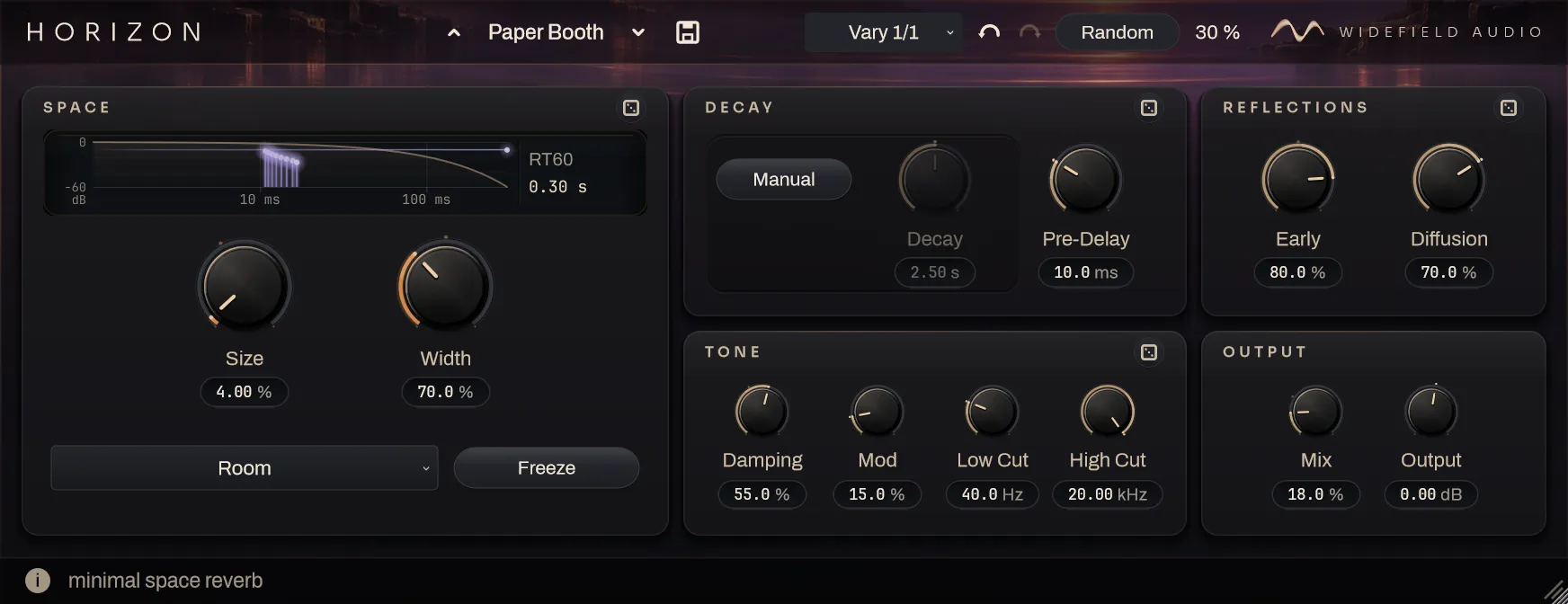
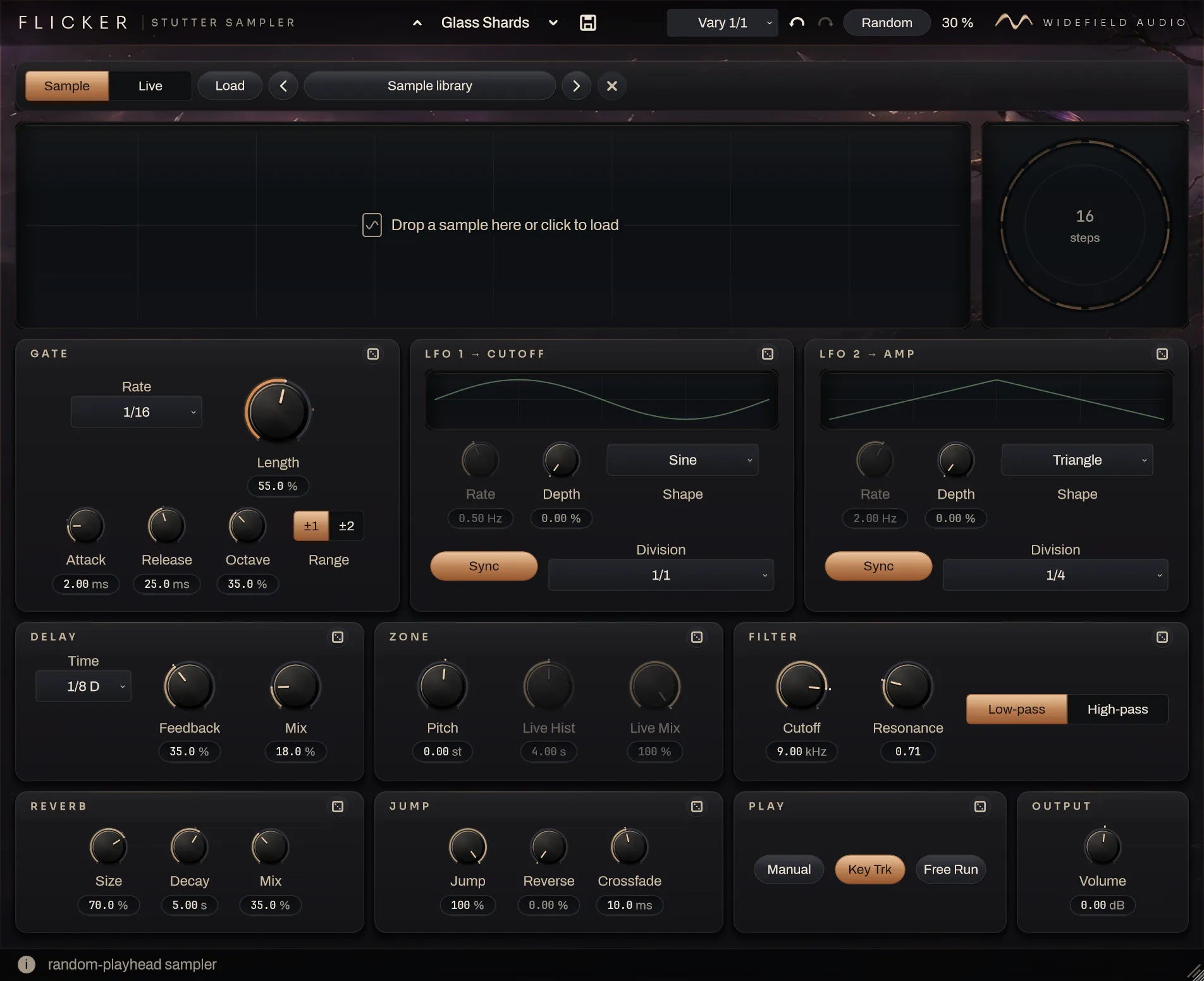
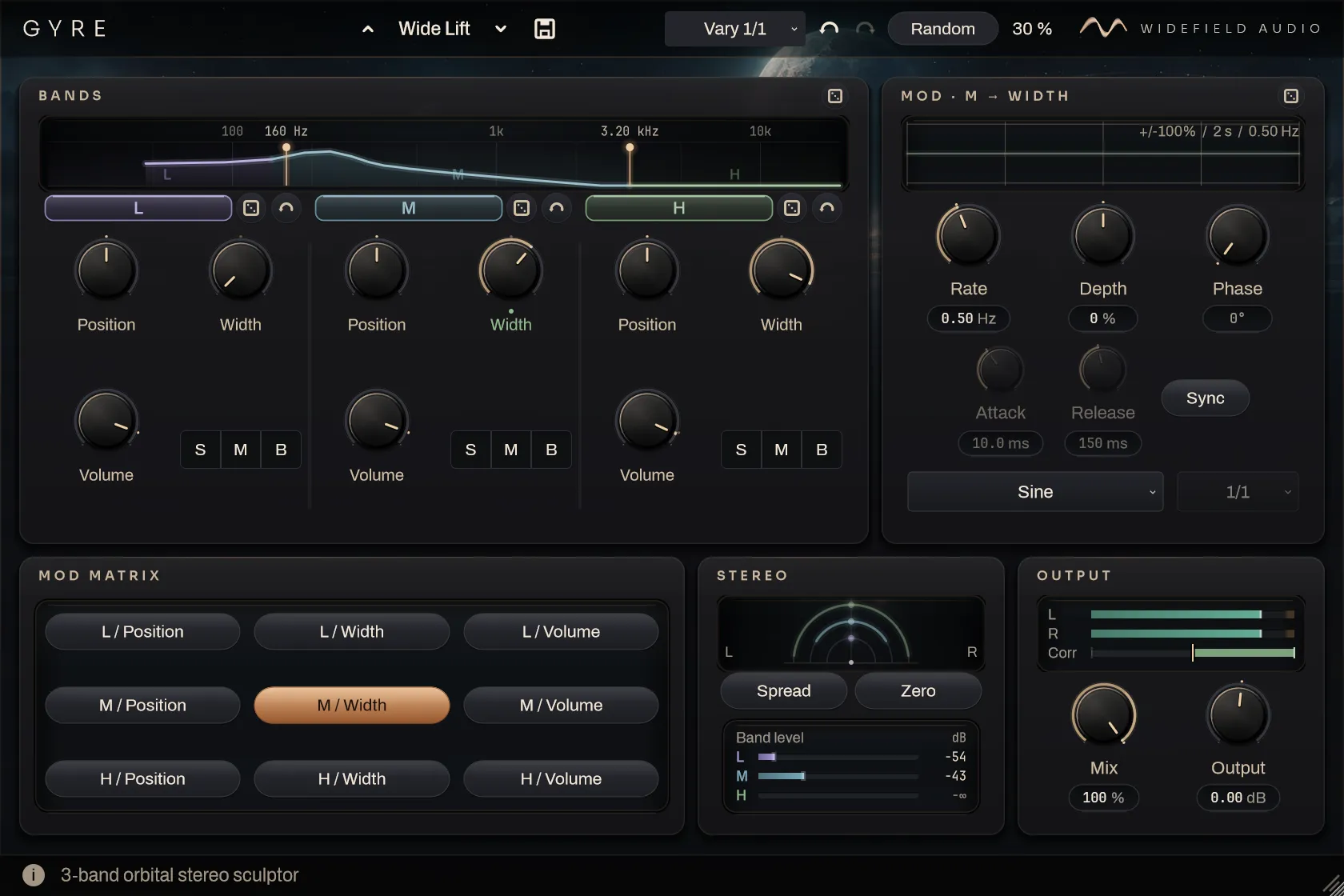
17 instruments and effects for sound exploration, texture design and evolving soundscapes. VST3 for Windows.
The suite
A collection of worlds




Featured instrument
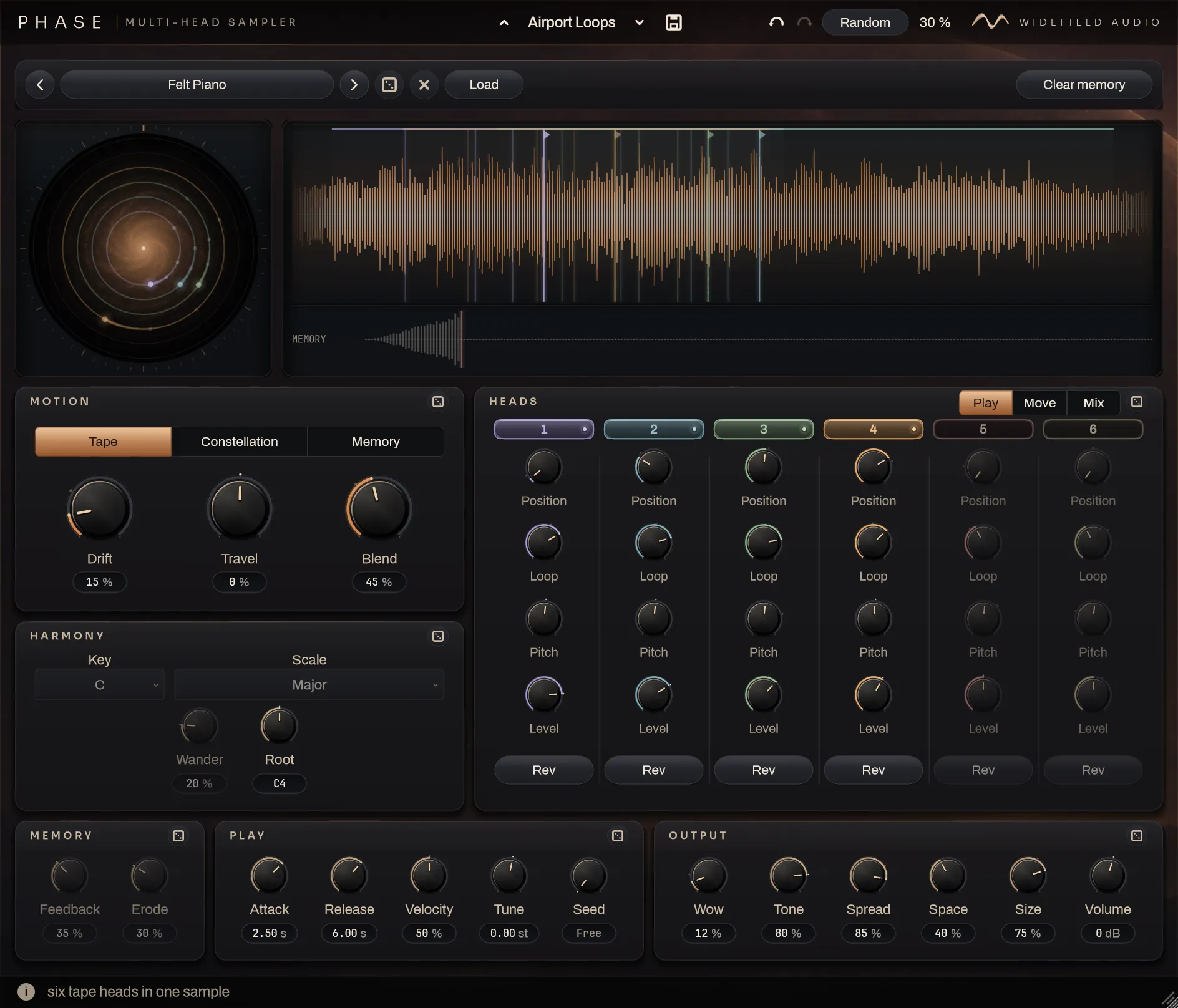
Phase
Multi-head sampler
Up to six playback heads read one sample with independent loop points, pitches, directions and levels. Tape, Constellation and Memory modes change how the heads move or what they read.
- Playback heads
- Tape and Constellation
- Memory mode
- Sources and repeatability
The full collection
Every instrument,
every effect
Instruments
Phase Multi-head sampler 
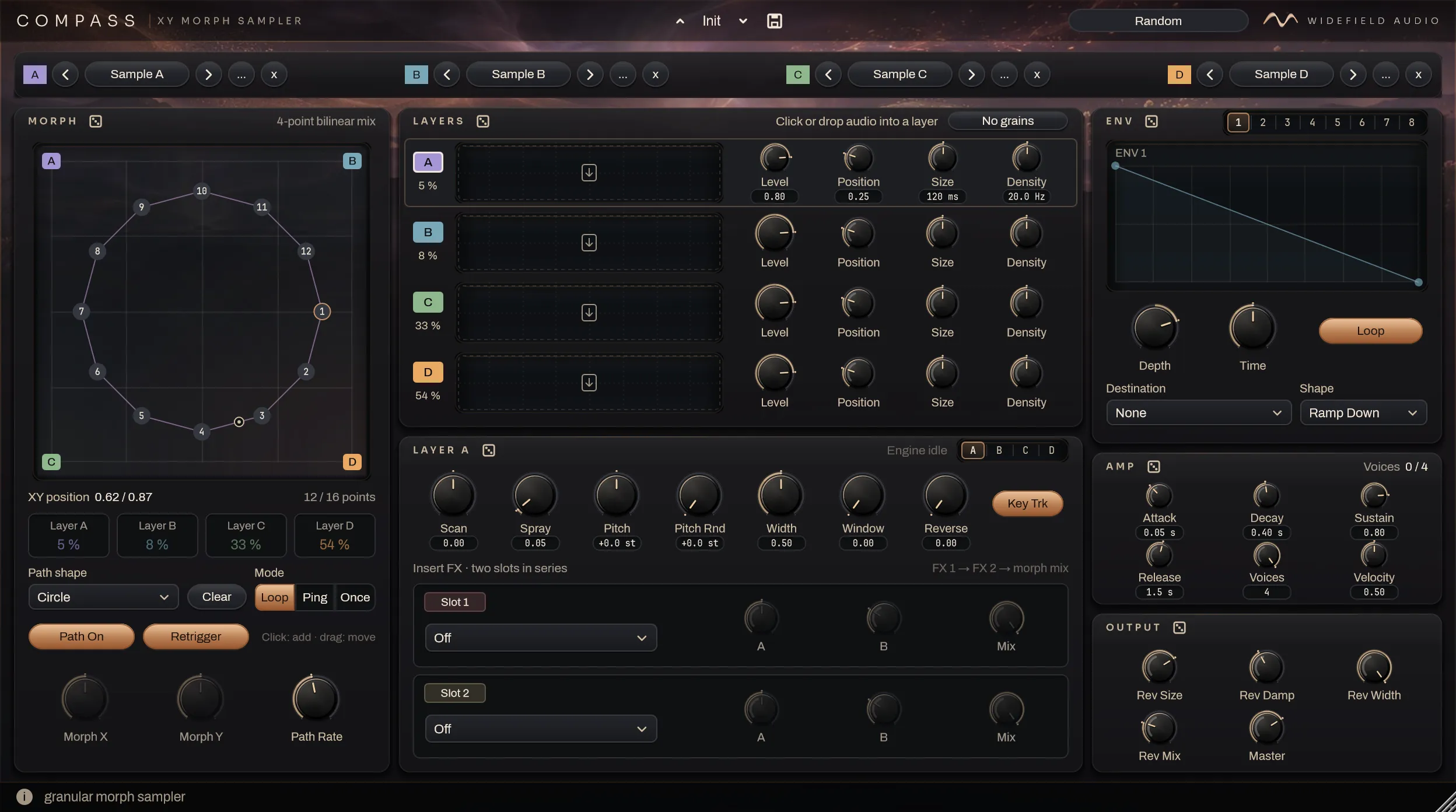 Compass XY morph sampler

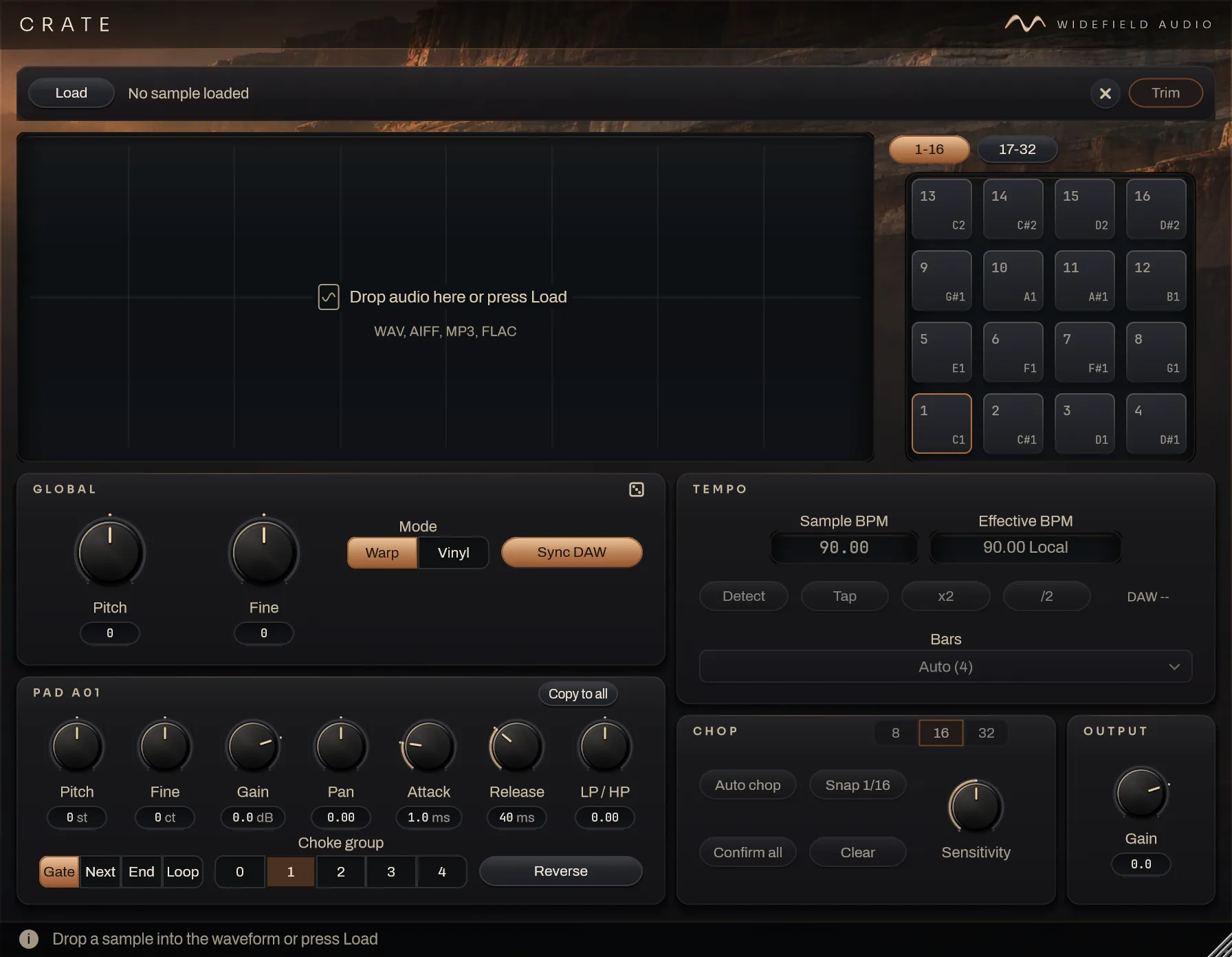 Crate Loop chopper

 Flock Chord grain cloud

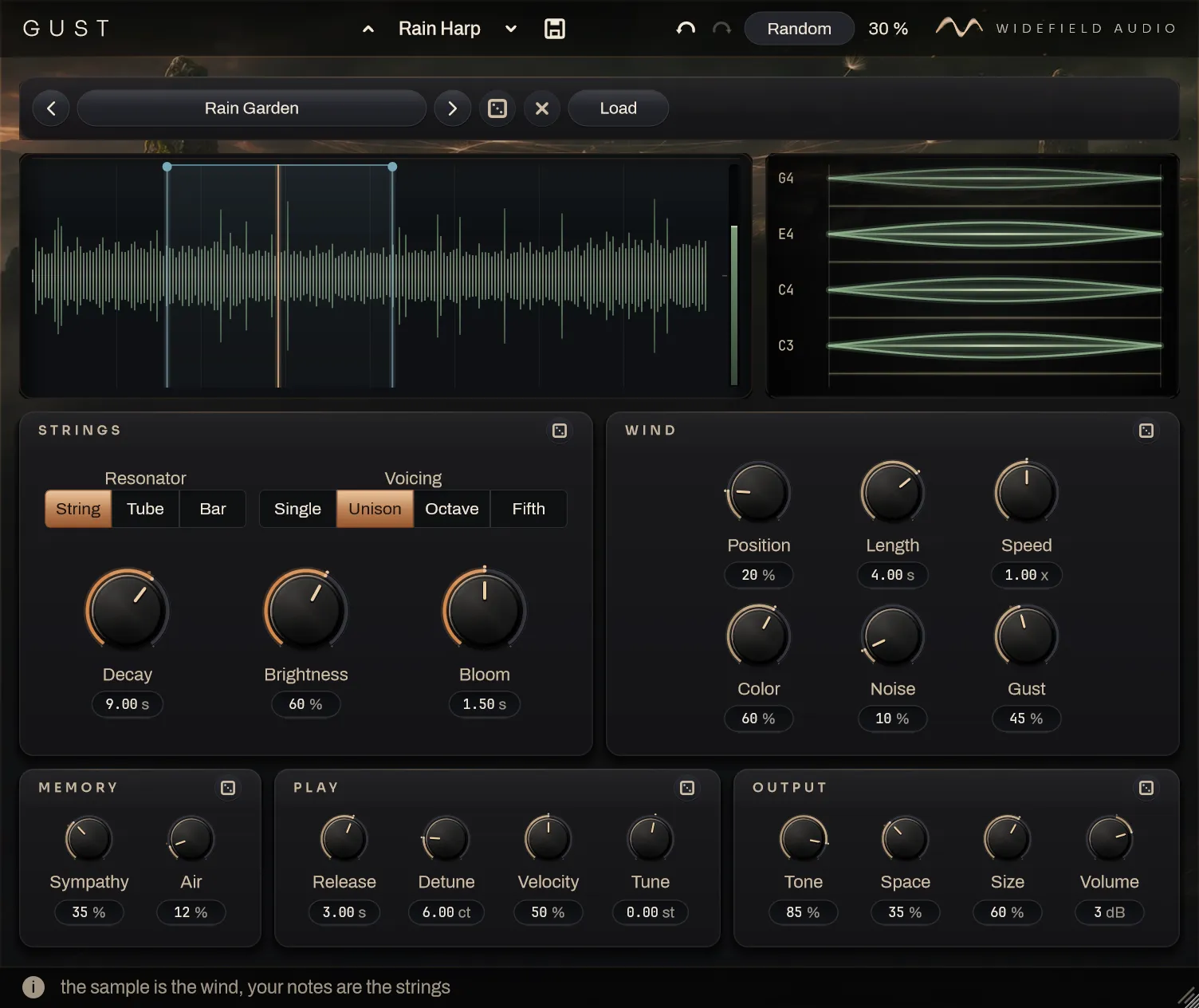 Gust Aeolian harp

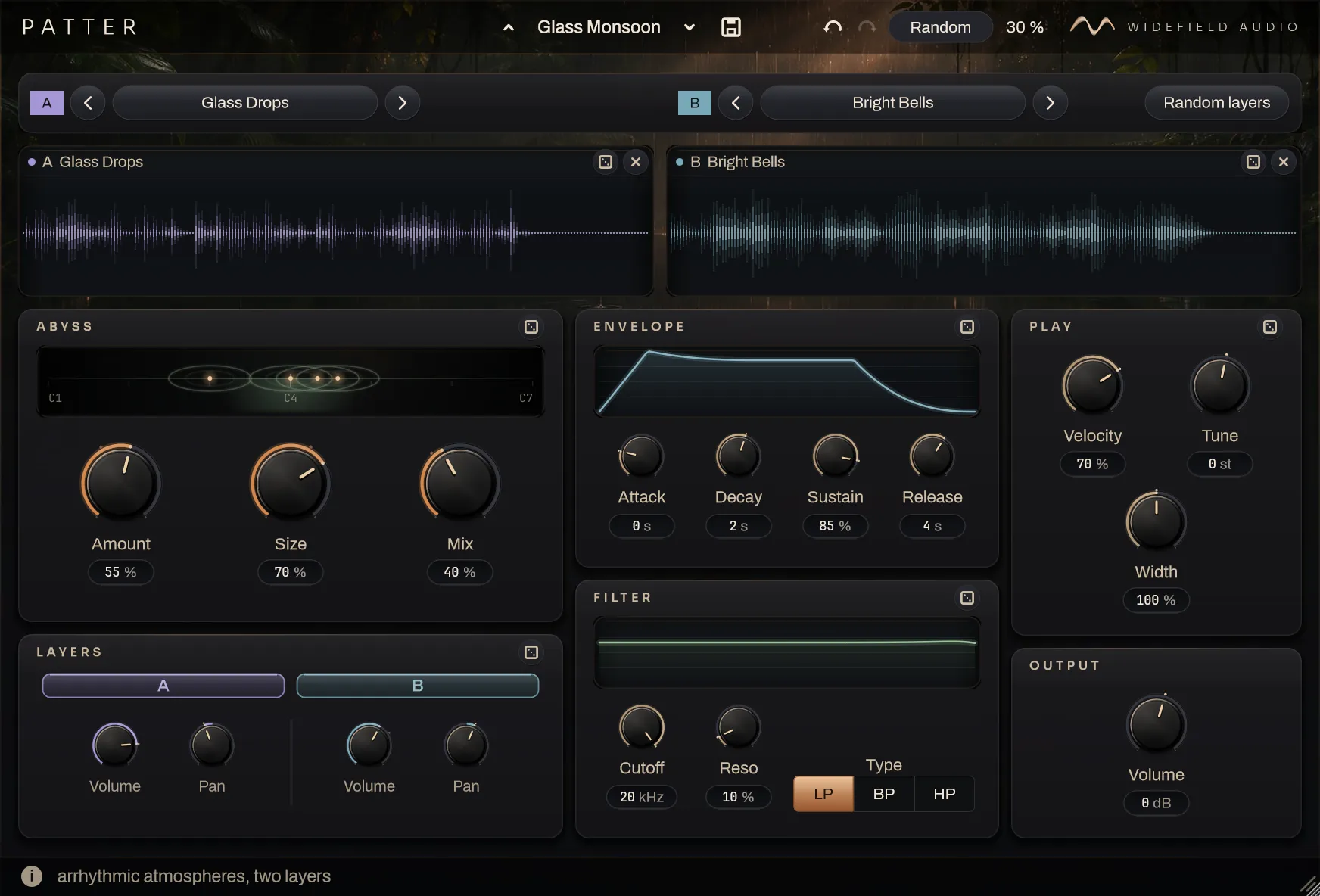 Patter Pluck rain

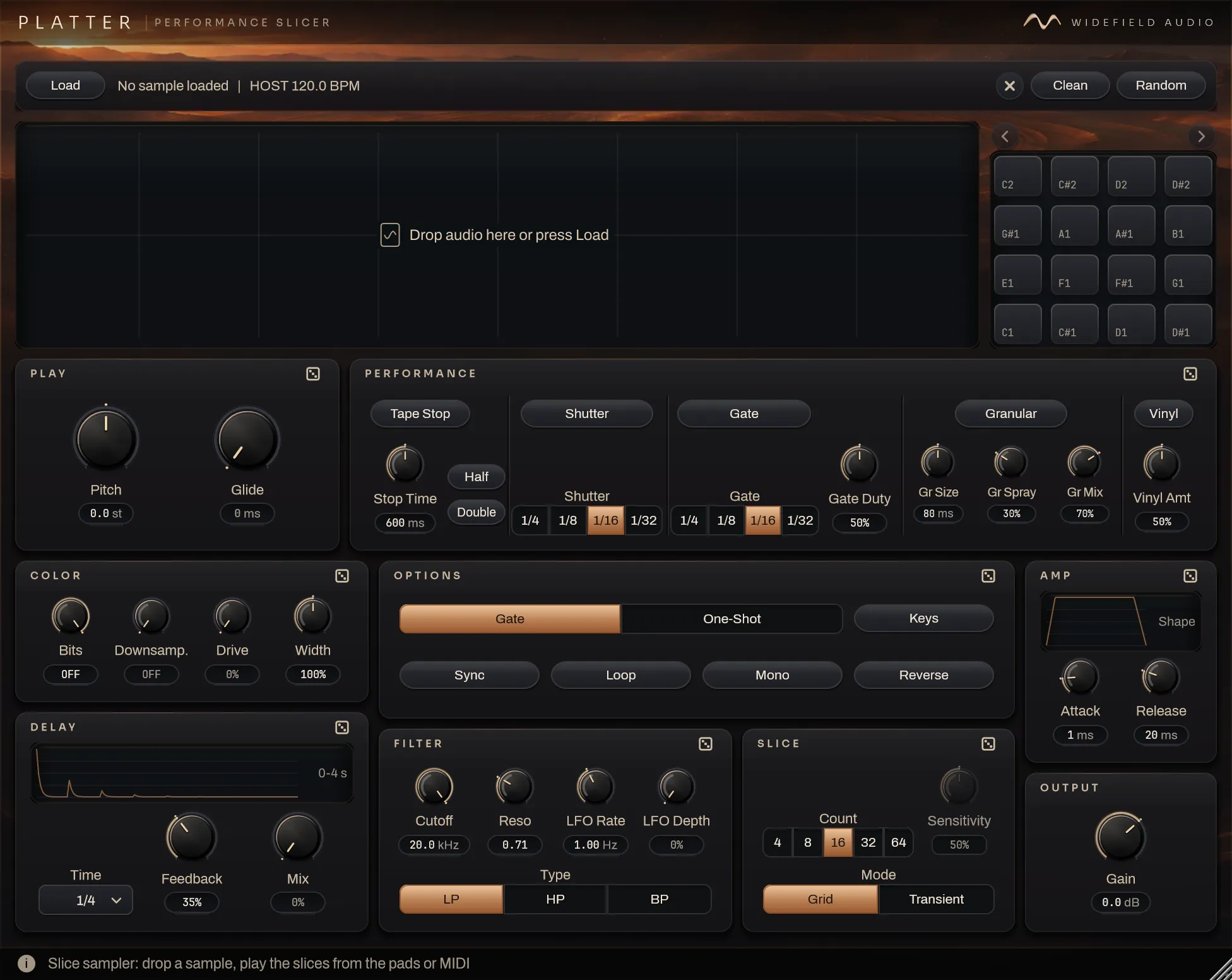 Platter Performance slicer

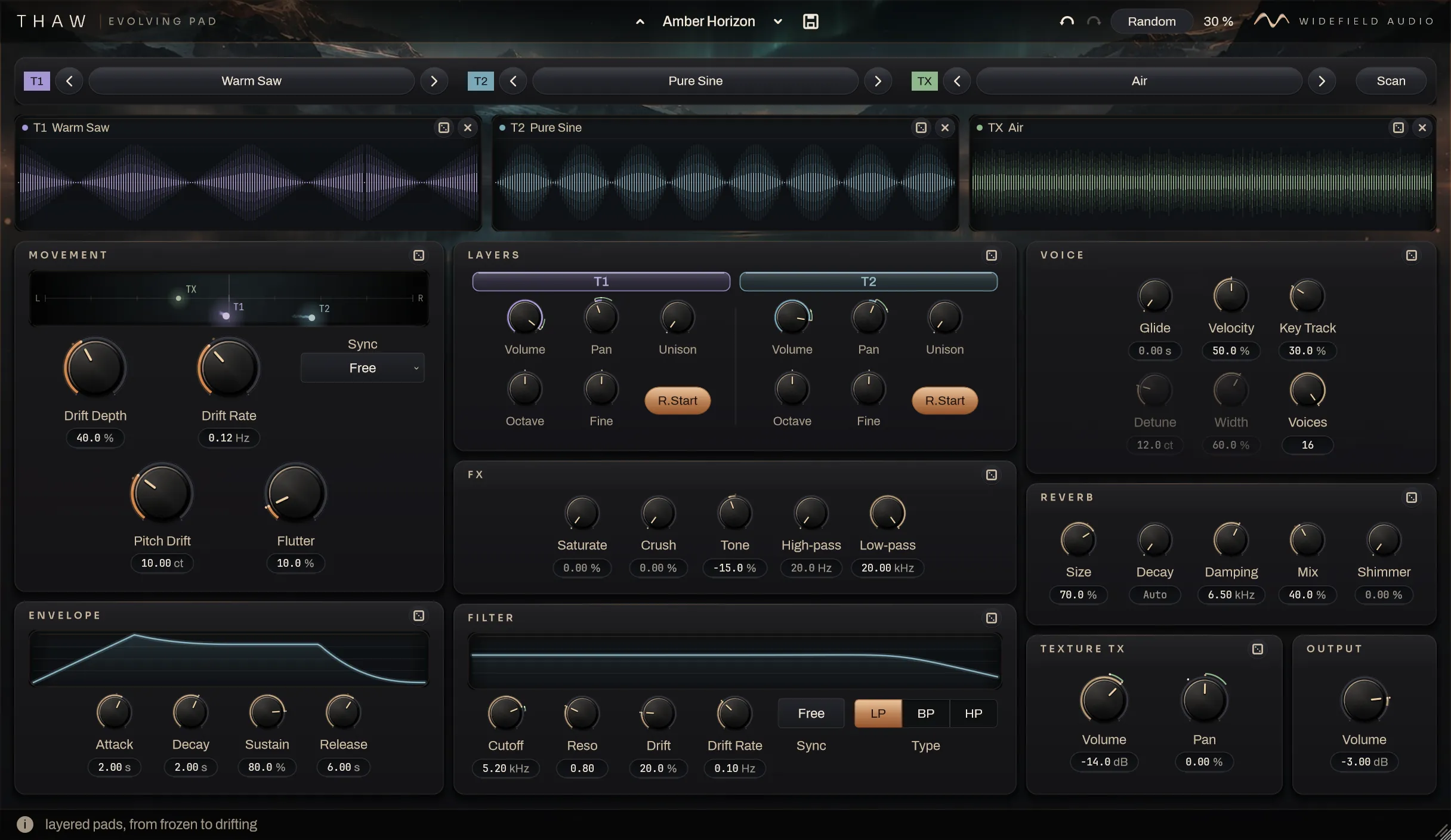 Thaw Evolving pad
Effects

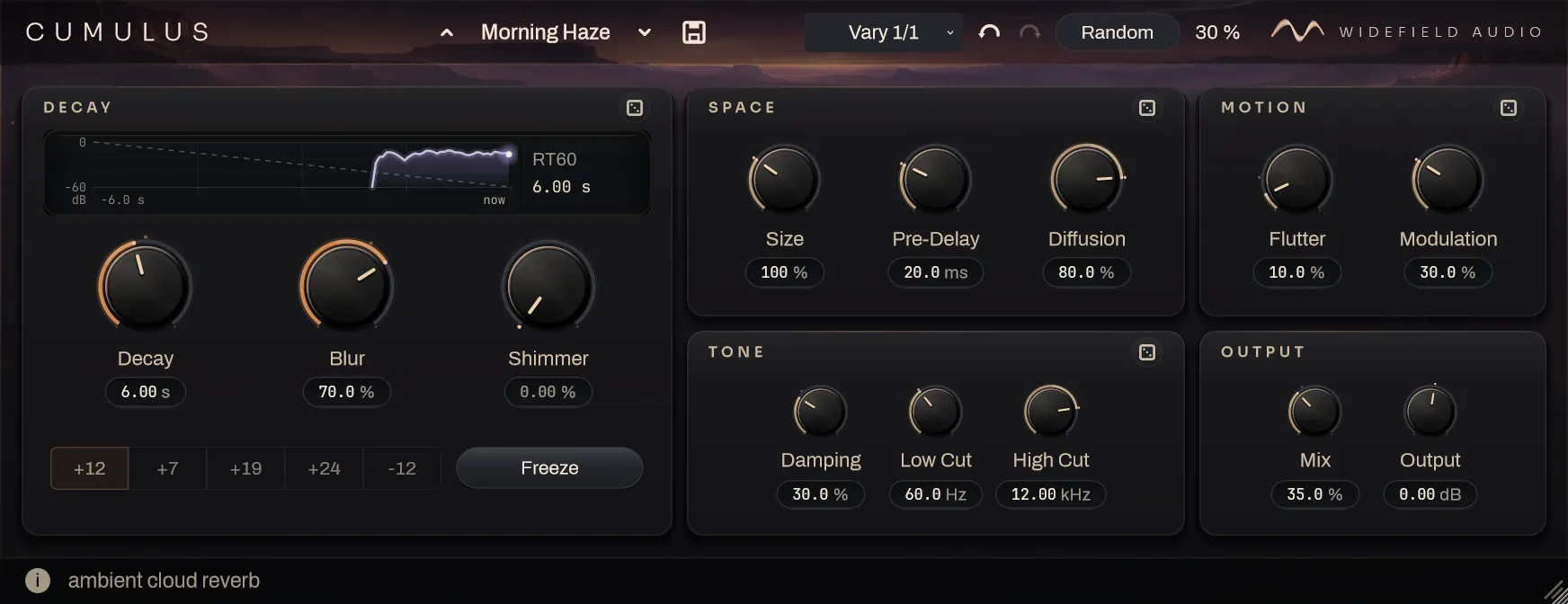

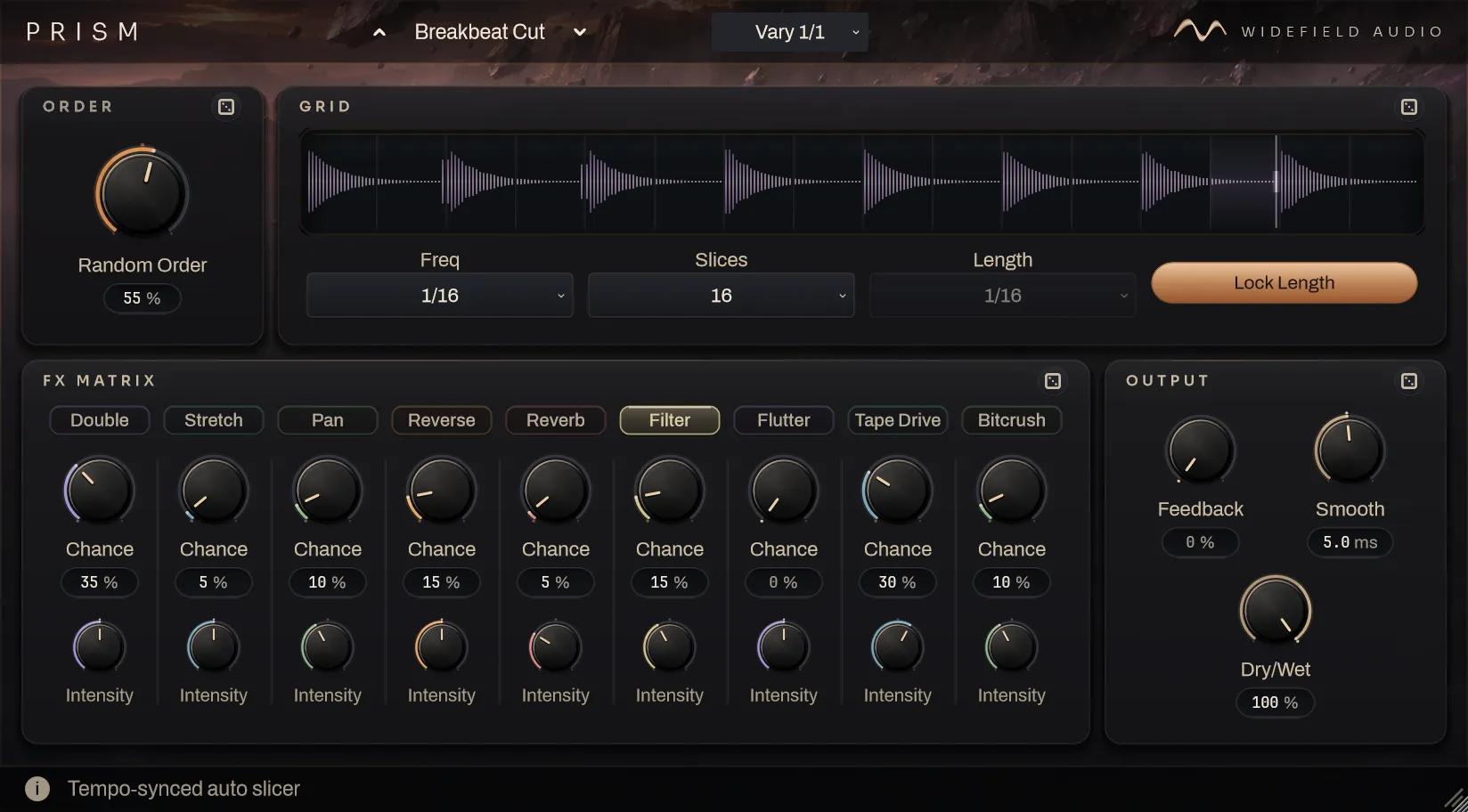

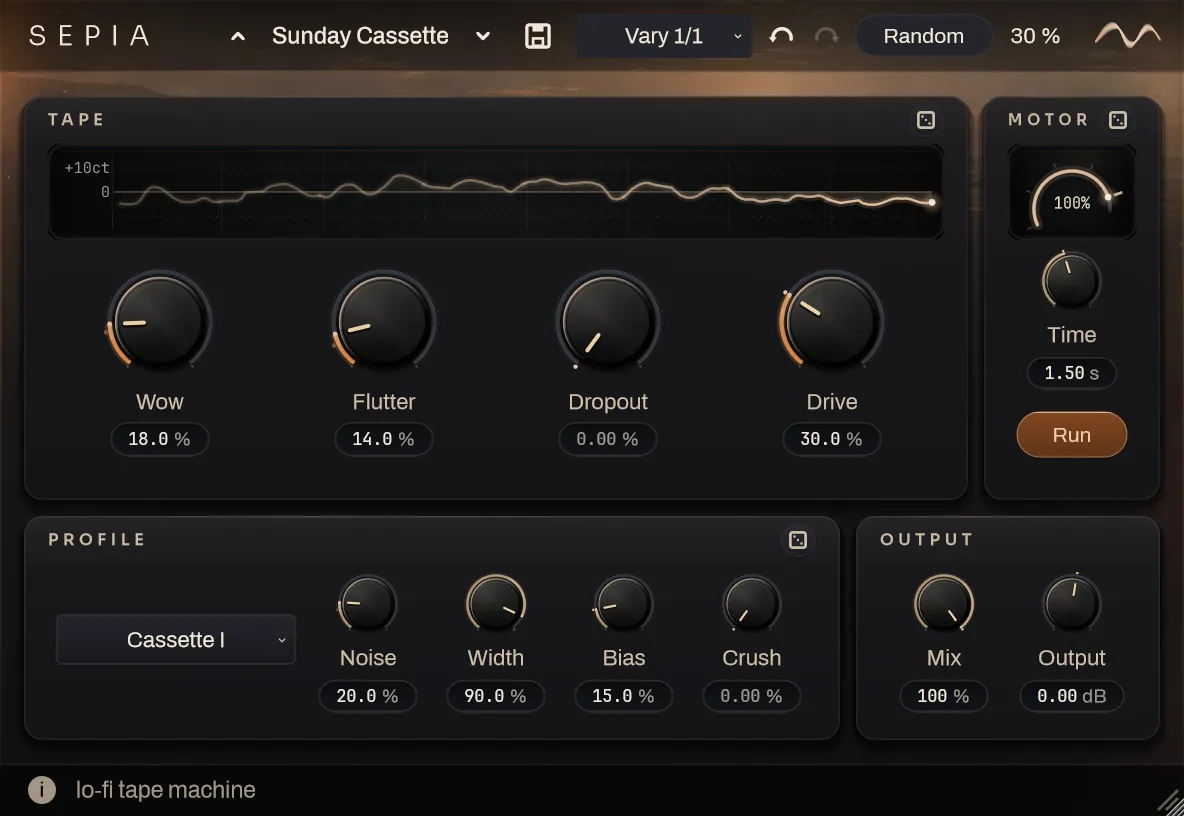

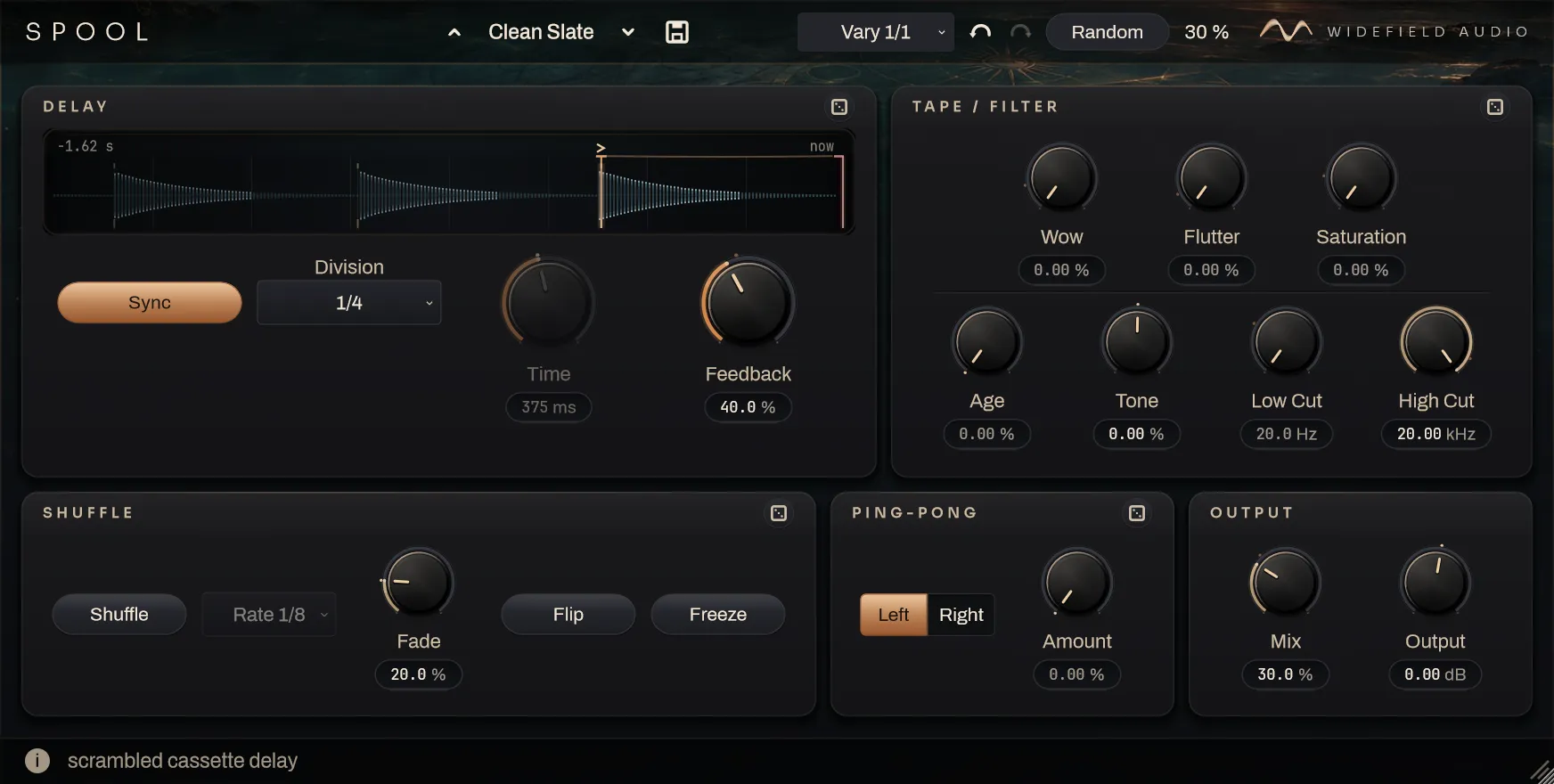

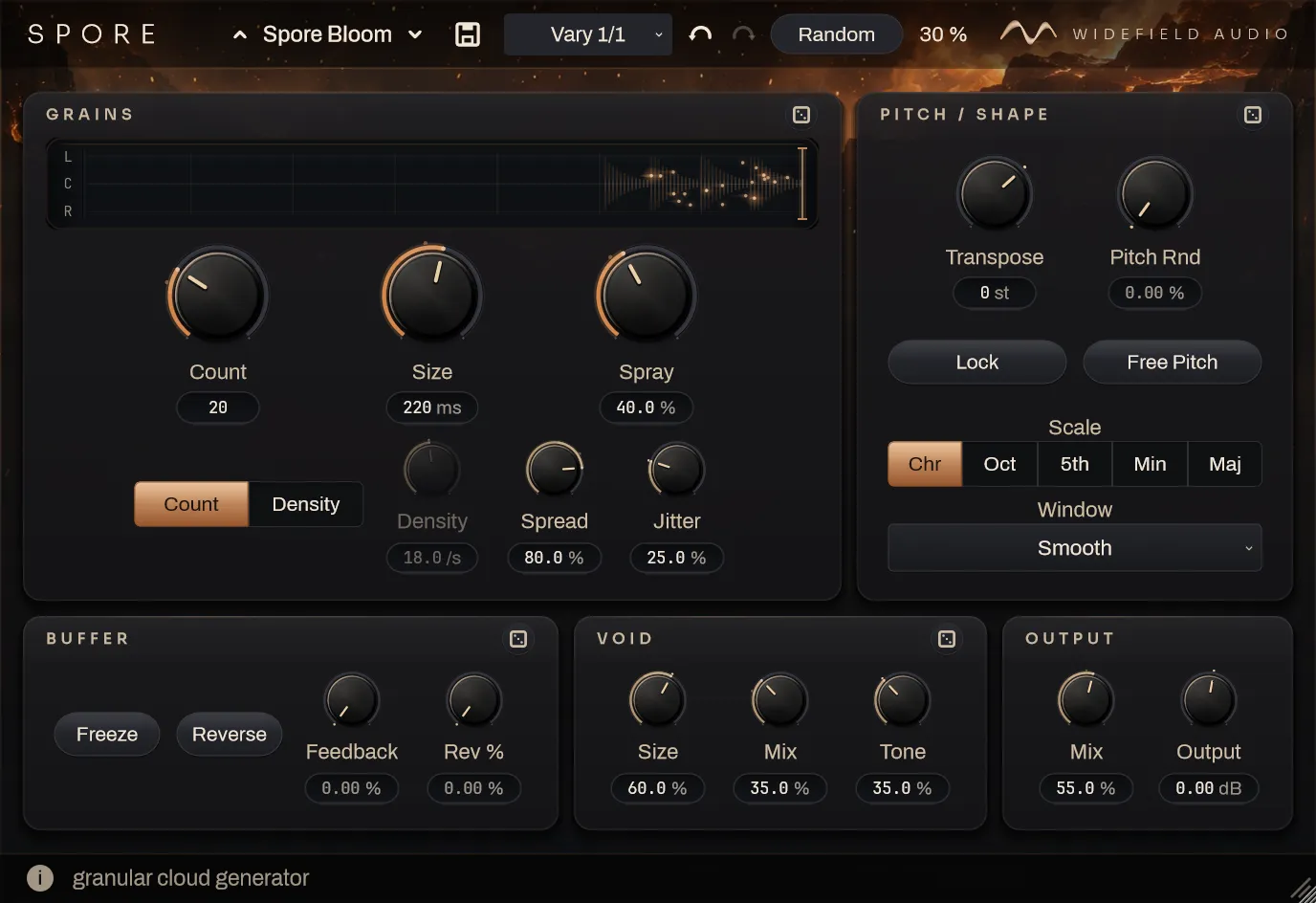

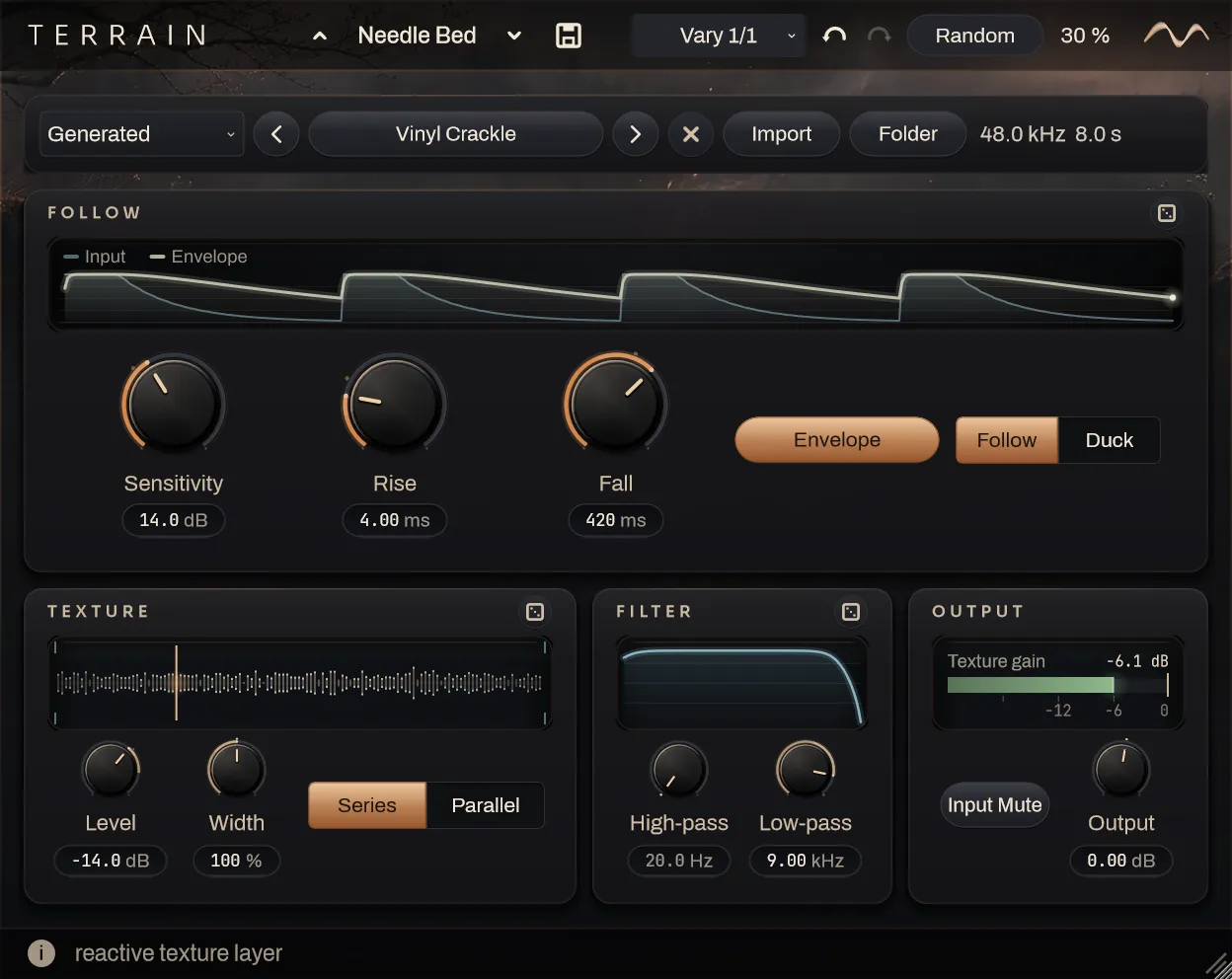
-
Sound that moves
Loops drift in and out of phase, grains scatter, strings bloom. Each instrument is built around motion.
-
See what you hear
Every display is drawn from the engine's real data: heads, grains, strings, envelopes and levels.
-
Shaped by chance
Random with an amount and Vary on every knob: each note can pick its own values inside a range you set.
-
One design language
17 plugins, the same knobs, light and depth. Learn one, know them all.

The collection
Built to sit together

Install
Three steps
to the field
Each plugin is a free download: a ZIP with one VST3 folder for Windows, 64-bit.
- 01
Extract
Download the ZIP file and extract it. It contains one .vst3 folder.
- 02
Copy
Copy the .vst3 folder to C:\Program Files\Common Files\VST3. Windows may ask for administrator permission.
- 03
Rescan
Rescan plugins in your DAW and look for Widefield ….